
Use the Rich Results Test to check whether your markup can produce a Google rich result. Use the Schema Markup Validator to check whether your markup is valid schema.org, whether or not Google shows anything for it. Most pages need both, in that order: Google’s tool for eligibility, the validator for general correctness.
Key takeaways
- Google’s old Structured Data Testing Tool is gone. Two tools replaced its jobs.
- The Rich Results Test answers “can Google show a rich result for this page?”
- The Schema Markup Validator answers “is this valid schema.org markup?”
- Errors block eligibility. Warnings usually don’t.
- FAQ and HowTo rich results no longer appear in Google Search, so don’t add that markup expecting a rich result.
What happened to the Structured Data Testing Tool?
If an older tutorial tells you to open Google’s Structured Data Testing Tool, it’s out of date. Here is the short history.
- July 2020: Google announced it was retiring the tool and pointed people to the Rich Results Test.
- Late 2020 to 2021: general schema.org checking moved to the Schema Markup Validator.
- August 9, 2021: Google’s update says the validator had stabilized, and the old tool began redirecting to a page that helps you pick the right replacement. See Google’s announcement and Search Engine Land’s coverage.
Rich Results Test vs Schema Markup Validator: what’s the difference?
The two tools answer different questions. Google’s tool only knows about result types Google supports. The validator checks against the whole schema.org vocabulary, but it doesn’t tell you whether Google will use the markup.
| Tool | Question it answers | Best used for |
|---|---|---|
| Rich Results Test | Can this page or code produce a Google rich result? | Checking eligibility before and after you publish |
| Schema Markup Validator | Is this valid schema.org markup? | Debugging syntax, or checking types Google doesn’t show as rich results |
| Google Search Console | What has Google found across my crawled pages? | Ongoing site-wide monitoring and validating fixes |
A schema type can pass the validator and still never produce a Google result. That isn’t a contradiction. Schema.org describes far more than Google’s search features cover.
How to test your structured data, step by step
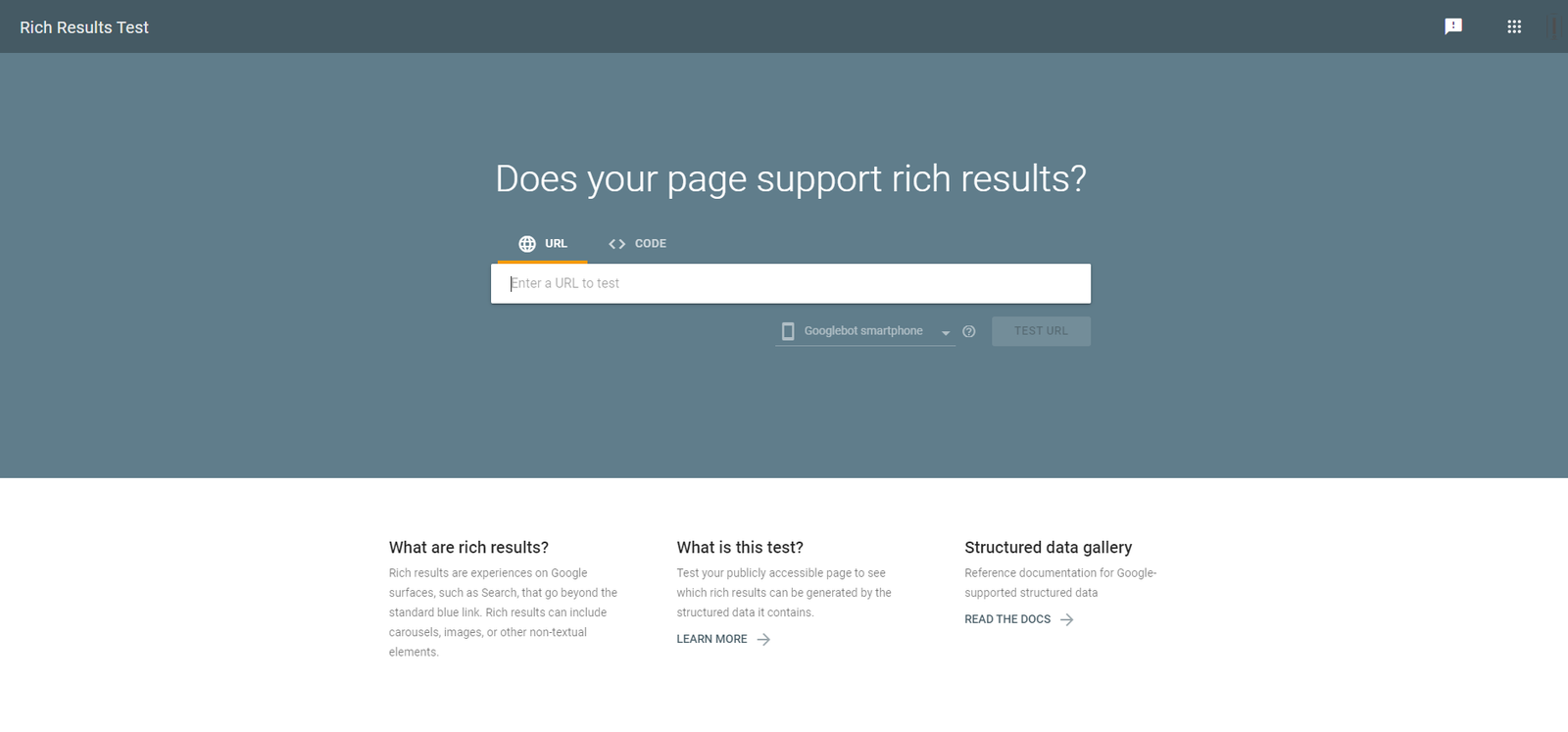
- Open the Rich Results Test.
- Choose URL to test a live page, or Code to test markup you haven’t published yet.
- Run the test and open each detected item, not just the summary.
- Fix every error, then run it again.
- Paste the same markup into the Schema Markup Validator to check general schema.org correctness.
- After publishing, test the live URL again, then watch the matching report in Search Console.
URL mode or Code mode?
URL mode shows what Google can actually retrieve from the published page right now, so it catches markup that never reached production. Code mode is for building and fixing markup before it ships. If the two disagree, that is usually the clue: the markup is fine, but something between your editor and the live page is changing it.
Errors vs warnings: what to fix first
| Status | What it means | What to do |
|---|---|---|
| Error | A required property is missing or invalid. That item isn’t eligible for the rich result. | Fix it first, then retest. |
| Warning | A recommended property is missing. The item can stay eligible. | Add it only if you have accurate data to put there. |
| Valid | No problem blocks eligibility for that item. | Publish and monitor. Display isn’t guaranteed. |
Fix errors before warnings. Never add made-up values just to clear a warning, because markup has to describe what’s really on the page.
How to test schema on a WordPress site
Most WordPress sites get their schema from an SEO plugin such as Rank Math or Yoast, and sometimes also from the theme or other plugins. Test the live URL, not the plugin’s settings screen, because the live page shows exactly what Google receives.
- Test one page per template. A homepage, a blog post, a service page. One broken template can affect dozens of pages.
- Look for duplicates. If the theme and an SEO plugin both output the same type, pick one source and switch the other off.
- Clear caches after any change, then retest.
Why valid markup may not show a rich result
A passing test means the page is eligible, not that Google will show anything. Google decides per query. If the test passes but nothing appears, work through this checklist:
- You tested the final, live, canonical URL, not a draft.
- The markup matches content visitors can actually see on the page. Google’s guidelines require this.
- Google still supports that result type. Check the search gallery.
- Search Console shows no matching errors and no manual actions.
- You’ve given Google time to recrawl and reprocess the page.
What no longer works: FAQ and HowTo rich results
Many older schema tutorials still recommend FAQ and HowTo markup for rich results. Google cut back both in 2023, and FAQ rich results have since been phased out entirely, with the change reported in May 2026. Check Google’s FAQ documentation for the current status.
FAQPage is still valid schema.org vocabulary, so the Schema Markup Validator will accept it. It just won’t earn a Google FAQ rich result. Keep helpful FAQs on the page for readers, and skip the expectation of a search enhancement.
Keep an eye on it in Search Console
The Rich Results Test checks one page at a time. Search Console shows what Google found across your whole site, and its Validate fix button asks Google to recheck pages after you fix a template. When you change schema, add a note on the date, so you can see later whether it affected your numbers. Our guide to the GSC Guardian extension covers one way to keep notes and algorithm updates on the same chart.
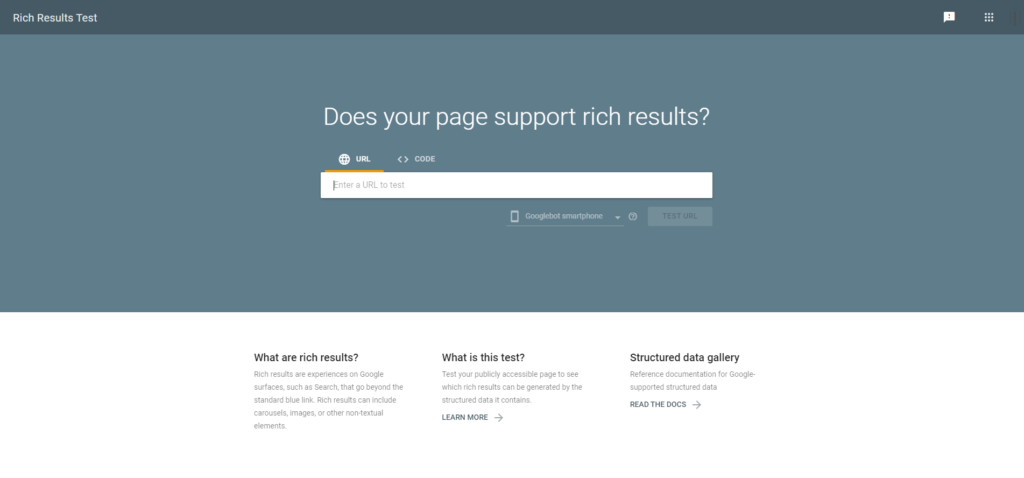
Rich Results testing tool features
- It will accurately show which Search feature enhancements are valid for the markup provided.
- It can render mobile and desktop versions of the result.
- It can now handle structured data markup effectively that are dynamically loaded.
- It’s in sync with Search Console reports.
- Test complete URL or just code snippet.
The Tools returns warnings and errors once you test the URL or code snippet. The error suggests that the code will no longer be eligible for showing them under Rich Results, whereas, warnings would still be considered. We strongly recommend avoiding both of them by fixing the errors and warnings for better ranking opportunities. Here is the Google support document guide to fixing them.
Rich Results Test vs Schema Markup Validator: FAQs
Is the Structured Data Testing Tool still available?
No. Google retired it, and the old address now redirects to a page that helps you choose a replacement. Use the Rich Results Test for Google rich result eligibility and the Schema Markup Validator for general schema.org checks.
Which tool should I use first?
Start with the Rich Results Test if your goal is a Google rich result. Use the Schema Markup Validator when you need to confirm the markup is valid schema.org, or to check types Google doesn’t support as rich results.
Do warnings stop a rich result?
Usually not. A warning means a recommended property is missing, and the item can stay eligible. Errors are what block eligibility, so fix those first.
Why does my markup pass but no rich result appears?
Passing means the page is eligible, not guaranteed. Google chooses what to show for each search. Check that the markup matches visible content, that Google still supports the result type, and that Search Console shows no related problems or manual actions.
Does FAQ schema still give rich results?
No. Google has phased out FAQ rich results, so FAQ markup won’t produce one. FAQPage is still valid schema.org vocabulary, and a good FAQ section still helps readers.
Want more small utilities for web and marketing work? Browse our free marketing tools, or get one practical tip by email in our newsletter.